
Download & Play
Two ways to play the same world with the same characters.

Browser
No download. Works in Chrome, Edge, Firefox and Safari on PC, and on phones in landscape.
Play in BrowserOn a phone, turn it sideways:
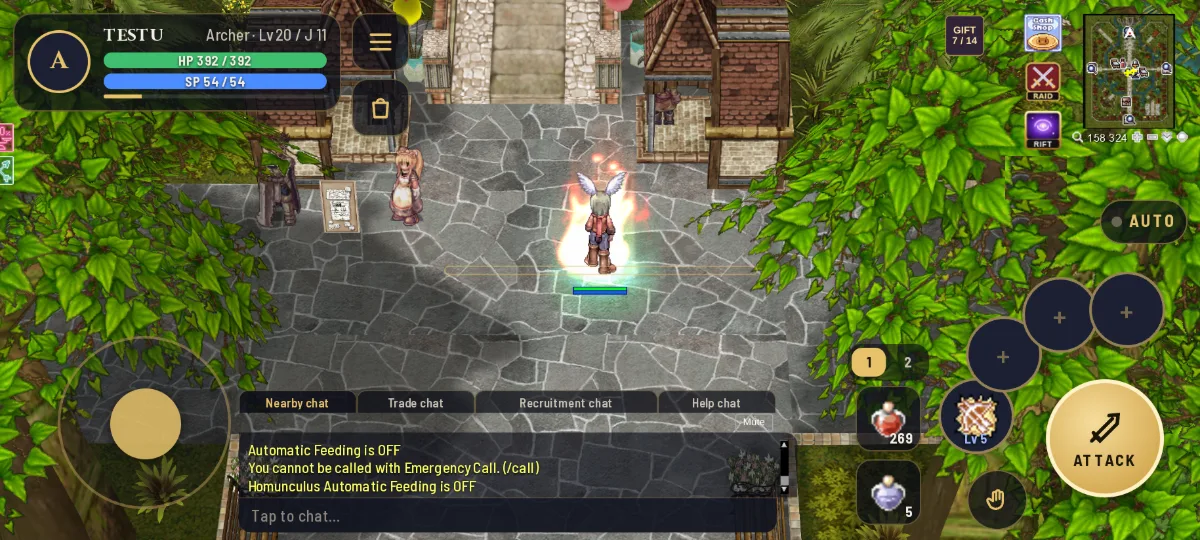
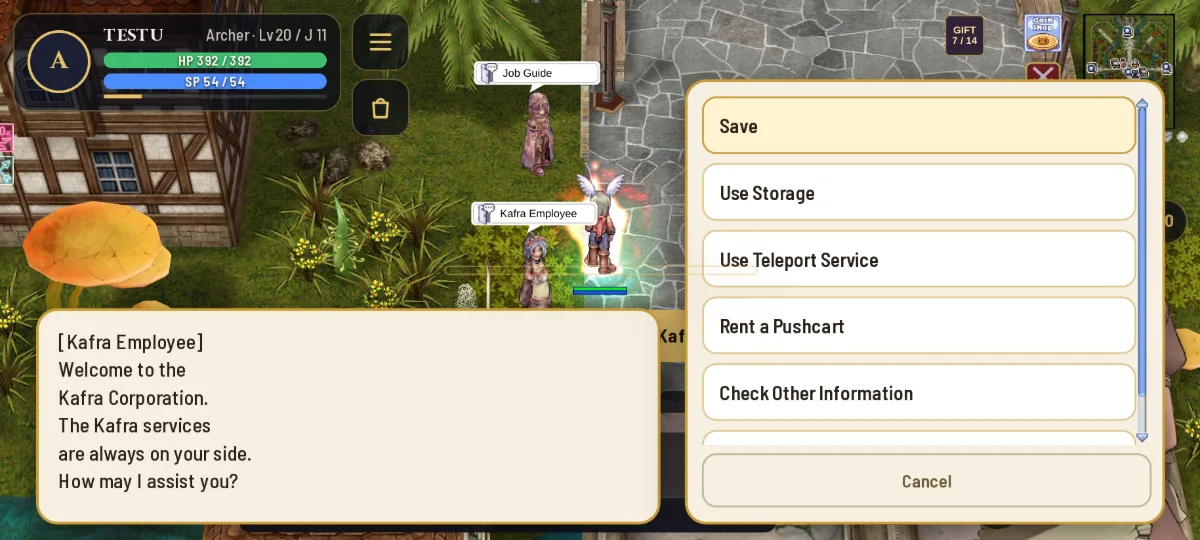
Full screen on your phone: open the game in Chrome or Safari (not inside Messenger or Facebook). For an app with no browser bar, tap Chrome's ⋮ → Install app, or on iPhone Safari's Share → Add to Home Screen.

Desktop client (Windows)
The full client with the Rune Haven launcher and Rune Haven GameGuard. The launcher keeps your game up to date and starts it with one click.
Download Windows ClientVersion 2026.10.21 · 4.75 GB · Windows 10 or 11 · Released October 21, 2026
Windows may show an unknown publisher warning because the client is not yet code-signed. Only install files downloaded from the official Rune Haven website. Check the download verification link if needed.
Installing the desktop client
- Download the zip and extract all files to a folder such as
C:\Games\Rune Haven(not inside Program Files). Right-click the zip → Extract All. - Open Rune Haven.exe (the launcher). It checks for updates, then press Play.
- Windows asks for administrator permission: choose Yes. Rune Haven GameGuard checks your game files, then the game opens.
- Use the launcher's Settings button for screen size and graphics.
Always start the game from Rune Haven.exe. Opening RuneHavenRO.exe directly shows a reminder to use the launcher. If GameGuard stops the game, close overlays or cheat tools and try again; the reason is saved in %LOCALAPPDATA%\RuneHaven\guard.log.